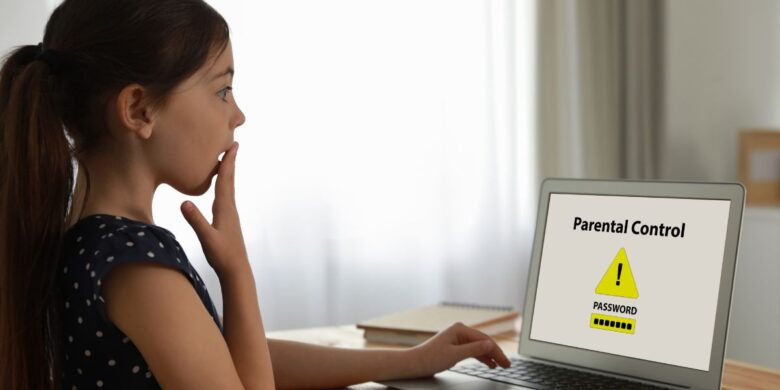
What is the best parental control app for iPhone, Android and PC devices? You will have to consider the App’s purpose and contemplate different threats to your youngling online.
What are the dangers posed to children online?
- Explicit content and activities like sexting, porn, etc.
- Addiction to entertainment such as video games and streaming.
- Trolling, Cyber Bullying, etc.
- Identity theft, personal information leaks, etc.
- WiFi eavesdropping, hacking, etc.
Therefore, it is essential for the parental control app to provide you with some control over at least these segments to ensure your child’s safety. Now, let’s take a look at must-have features.
Please note:
The feature names might be different in the parental control app. Some apps also divide similar features into multiple, for example, app access control and screen time controls, to give you better information. So, you don’t need to find exact features, but look for similar types:
Must-have features for a parental control app for iPhone, Android & PC

Essential controls required to monitor kids
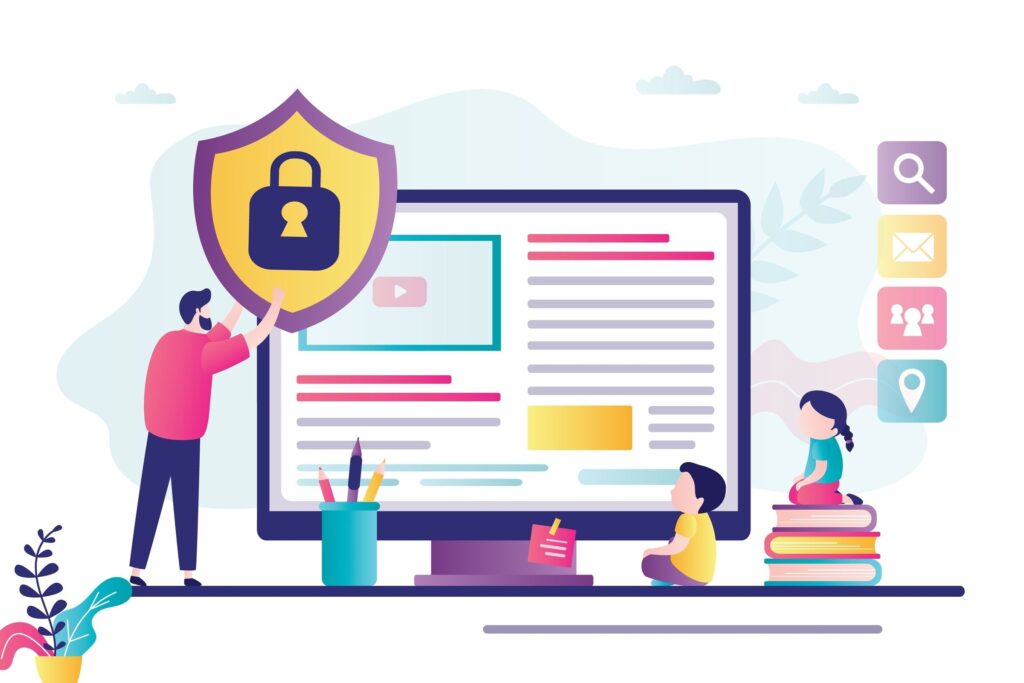
“Parental controls on their own are not enough. You need cyber safety features combined.”
1) Filters or safe search
Content filtration, safe mode, or safe search mode in parental control apps help protect your child from explicit content. Many apps have decided to warn users when they are exposed to such content, but the parental control app works by blocking it completely.
2) Activity monitoring feature
With such a feature, you can easily see what your child spends most time on the phone. It can be an app, a game, or another activity. It will teach you about your child’s habits and modify the parental control app accordingly.
3) App usage controls
These features allow you to enable or disable specific apps. For example, some might allow you to set passwords to access certain apps. In addition, there could be a feature that lets you schedule your child’s time in a specific app.
It gives you better phone control and stronger parental authority. As mentioned, some apps even have screen time restrictions that turn off or lock the screen at a fixed time or after a specific usage limit.
4) Geofencing
This feature allows you to set virtual boundaries (GPS-related) on your child’s phone. As a result, if they leave certain areas, such as school, the park, or home, you will receive a notification.
A parental control app with GPS tracking and geofencing is essential if you genuinely wish to protect your child from the real-world dangers outside your home.
Question
What is the best parental control app for iPhone and Android?
The ending note – Consider the law
The best parental control app for your iPhone and devices to protect your children from online dangers is legal to use almost everywhere. However, some countries or states require you to inform your child about the parental control app on their iPhones or Android smartphones.
Moreover, if you want to monitor their private chats, SMS, texts, and calls, you may need the child’s permission. Similarly, it is only legal with consent in your area. So it is better to be aware of the laws before installing such apps.
Take note that these apps are only part of the solution, and, as parents, you need to acquire the skills and knowledge as an additional layer of protection to keep your kids safe online.
Enrol today in the eSafety Commissioner Free Webinars for parents to gain those extra skills to empower you even more.